

 Phoenix 24
A practical guide to reclaim control of your inbox and reduce unwanted messages with simple settings and tools.
Global, December 2025
Unwanted emails and persistent newsletters are among the most common frustrations for users of Gmail, one of the world’s most widely used email platforms. Fortunately, there are several practical methods to reduce spam and unsubscribe from newsletters that clutter your inbox.
The first line of defense is Gmail’s built-in filters and blocking tools. If a message arrives from a sender whose content you do not want to receive again, opening the email and using the “Report spam” or “Report phishing” option signals to Gmail’s automated filtering system that similar messages should be diverted directly to the spam folder. Additionally, Gmail provides a “Block sender” function that prevents future messages from the same address from appearing in your inbox at all. Both actions rely on Google’s machine-learning models, which adapt over time to recognize patterns in unwanted messages and improve spam detection.
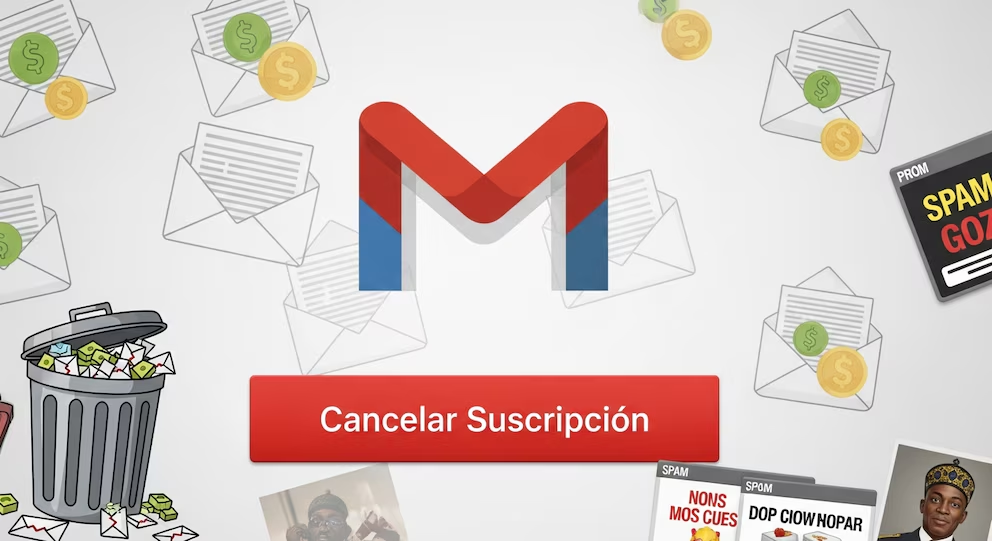
For newsletters and mailing lists that you previously subscribed to — but now want to leave — Gmail often shows an Unsubscribe link near the sender’s address at the top of the message. This link, when available, is generated automatically by Gmail when it detects mailing list headers in the message metadata. Clicking “Unsubscribe” initiates a standard unsubscribe request that tells the sender’s mailing system to remove your address from future distributions. In many cases, this is a faster and more direct way to stop newsletters without needing to scroll to the bottom of long messages in search of manual unsubscribe links.
If the newsletters do not include an unsubscribe option or the automatic link does not appear, Gmail’s filter creation tool can be a powerful alternative. By selecting Create filter from the email’s menu and entering criteria such as the sender’s address or specific keywords in the subject line, you can configure Gmail to automatically archive, delete, or skip the inbox for matching messages. Filters can be fine-tuned with multiple conditions and actions, enabling a high degree of control over what arrives in your primary inbox versus being sorted into auxiliary folders or bypassed entirely.

Extensions and third-party tools can also assist with bulk unsubscribing, though users should employ such services selectively and with attention to privacy. Some of these tools scan your inbox for subscription-style messages and present consolidated lists of senders that you may choose to unsubscribe from with a single action. Because these services access your email data, it is important to review their privacy policies and consider whether granting such access aligns with your personal data preferences.
Adjusting notification and filtering preferences is another key tactic. Gmail allows users to customize notifications by category so that only primary, important, or starred messages trigger alerts. By demoting promotional and social mailing lists to less prominent categories or turning off notifications for them entirely, users can reduce interruptions even if they continue to receive messages that are not yet filtered out completely.
Regular inbox maintenance, such as periodically reviewing and deleting old subscription messages and updating filters, enhances long-term control over unwanted content. Over time, Gmail’s recommendation engine also adapts to user behavior, further refining which messages are designated as spam or promotions rather than primary communications.
It is worth noting that no system can guarantee total elimination of unsolicited messages, particularly as spammers continually evolve their tactics. However, combining Gmail’s built-in features — reporting, blocking, filters and unsubscribe links — with careful inbox habits can significantly reduce the volume of unwanted emails and help ensure that important messages receive the attention they deserve.
Every silence speaks.
Every silence speaks.