

 Phoenix 24
An unknown session deserves investigation, but it does not automatically prove that the account was hacked.
MOUNTAIN VIEW, CALIFORNIA
Google allows users to review the phones, computers, tablets and browsers that have recently accessed their account. From the Google Account dashboard, users can open “Security & sign-in,” locate “Your devices” and select “Manage all devices.” Each entry may display the device type, approximate location, browser and most recent activity.
One physical device can generate multiple sessions when a person uses different browsers, applications or private windows. Locations may also appear imprecise because they are estimated from an internet address and can reflect a mobile carrier, corporate network or virtual private network. An unfamiliar name or city should therefore be examined carefully before it is treated as conclusive evidence of intrusion.
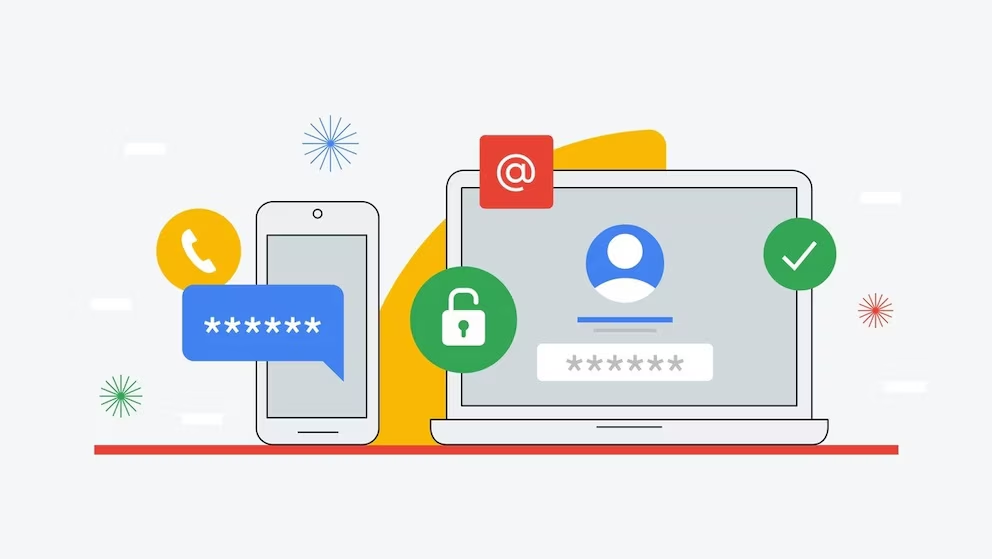
If a session cannot be explained, the user should select the device and choose “Sign out.” Every session associated with an unfamiliar device may need to be closed separately. Users should then review recent security events and identify any login, password modification or recovery-information change they did not authorize. Selecting “No, it wasn’t me” on a Google security alert triggers additional protection measures.
Signing out the device is only the first response. A potentially compromised password should be changed immediately and must not be reused on another service. Two-step verification should be activated, preferably through a passkey, security key or authentication application rather than relying exclusively on text messages. Recovery phone numbers, email addresses and third-party applications with account access should also be inspected.

Other warning signs include messages sent without the owner’s knowledge, unfamiliar Gmail forwarding rules, missing Drive files, unknown YouTube activity and unauthorized purchases. If these appear, users should inspect their devices for malicious software and secure any other accounts sharing the same password. Regular session reviews are useful, but strong authentication and rapid action after an alert provide the most effective protection.
Detrás de cada dato, la intención. / Behind every data point, the intention.