

 Phoenix 24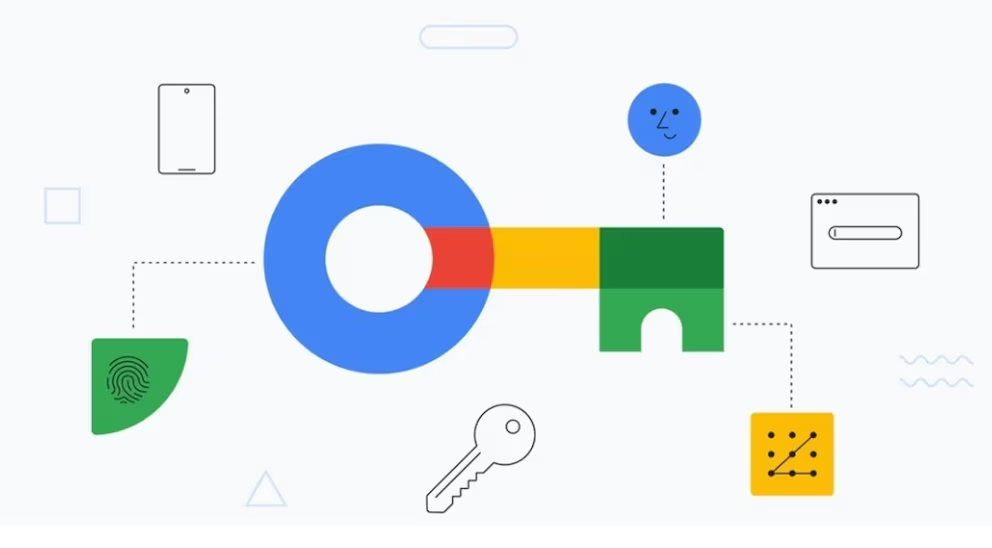
Personal security begins where predictable habits finally end.
Mountain View, June 2026.
Google Password Manager offers users a practical way to prevent partners, relatives, acquaintances or cybercriminals from guessing passwords built from familiar personal information. Birthdays, names, anniversaries, pets and repeated number combinations remain among the most predictable choices because people tend to create credentials they can remember easily. The problem becomes more serious when the same password is reused across email, banking, social media and shopping accounts. A single exposed credential can then unlock several parts of a person’s digital life.
The risk does not always begin with someone physically examining a phone or computer. Large data breaches frequently expose email addresses and passwords stored by companies, and those databases may later circulate through illegal markets. Automated programs test leaked combinations across multiple services, taking advantage of users who repeat the same credentials. A password that once seemed private may therefore remain dangerous even when the original breach occurred months earlier and involved an unrelated platform.
Personal relationships create a different but equally important vulnerability. A spouse or partner may know enough about someone’s habits to predict common security answers, PINs or password patterns without using sophisticated software. Access may also become easier when devices are shared, browsers remain logged in or credentials are written in visible places. Digital privacy does not necessarily imply secrecy or mistrust, but each person should retain control over accounts containing private messages, financial information, health data and professional documents.
Google Password Manager is integrated into Chrome, Android and Google accounts, allowing users to create, store and automatically complete complex credentials. Instead of inventing a memorable password for every platform, the system can generate a long and unique combination that is difficult for another person to predict. The user does not need to memorize each credential because the manager retrieves it after confirming access to the device or account. This reduces dependence on names, dates and repeated phrases that are closely connected to personal life.
The most important rule is that every service should have a different password. When one credential is reused, a breach involving a minor website can compromise an email account that controls password resets for more valuable services. Unique credentials isolate the damage because a stolen password works only on the platform for which it was created. This separation is especially important for primary email, banking, cloud storage and social media accounts.
Google’s password review feature examines credentials stored in the account and identifies several common risks. It can warn users when a password has appeared in a known data leak, when it is too weak or when it has been reused across different services. The review does not merely list stored credentials, but organizes them according to the urgency of the security problem. Users can then prioritize exposed passwords before replacing weaker combinations that have not yet been detected in a breach.

The review can be accessed through Chrome settings by opening Google Password Manager and selecting the security or password check option. Compromised, reused and weak credentials are presented separately so users can understand why each one requires attention. In many cases, the system directs the user toward the relevant service to change the password. When synchronization is enabled, updated information can become available across other devices connected to the same Google account.
Passkeys provide an additional layer of protection by reducing dependence on conventional passwords. They use the security mechanisms of a device, including a fingerprint, facial recognition, screen lock or physical security key, to verify identity. A passkey cannot be guessed through knowledge of someone’s birthday or favorite phrase because it does not rely on a memorable secret entered manually. It also offers stronger resistance to phishing because the credential is designed to work only with the legitimate service for which it was created.
However, a password manager is only as secure as the account and devices controlling it. Users should protect their Google account with a strong, unique password and enable two-step verification whenever possible. Recovery email addresses and telephone numbers must remain current, while unknown devices should be removed from the account. A person who gains access to the primary Google account could potentially reach stored passwords, messages, documents and synchronization data.
Shared devices require particular caution. Users should create separate operating-system profiles, avoid saving credentials in a browser used by several people and lock the screen whenever they leave the device unattended. Passwords should not be sent through ordinary chat messages or stored in unprotected notes. Anyone who previously shared credentials with a partner should change them after the relationship changes or when there is concern about unauthorized access.
Security notifications should never be ignored. Unexpected login alerts, password reset messages or authentication codes may indicate that another person is attempting to enter an account. The safest response is to review recent activity directly from the official account settings, change the affected credential and sign out of unfamiliar sessions. Users should avoid following suspicious links contained in unexpected messages because those alerts may themselves be phishing attempts.
The emotional dimension of password security also matters. A partner who demands access to private accounts, monitors devices without consent or repeatedly attempts to discover credentials may be engaging in digital control rather than ordinary curiosity. Technology can reduce exposure, but it cannot resolve the underlying relationship problem. In situations involving intimidation, financial control or stalking, users may need to protect recovery information, check location sharing and seek confidential support from trusted people or specialized services.
Google Password Manager cannot prevent every form of surveillance or account abuse, but it removes several weaknesses created by human memory and predictable behavior. Unique passwords, passkeys, security reviews and two-step verification create multiple barriers between private information and unauthorized access. The essential change is to stop treating personal familiarity as harmless within digital security. Someone who knows a person well should not automatically be able to unlock that person’s entire online identity.
Contra la propaganda, memoria. / Against propaganda, memory.