

 Phoenix 24
Storage is shifting from objects to systems.
San Francisco, March 2026
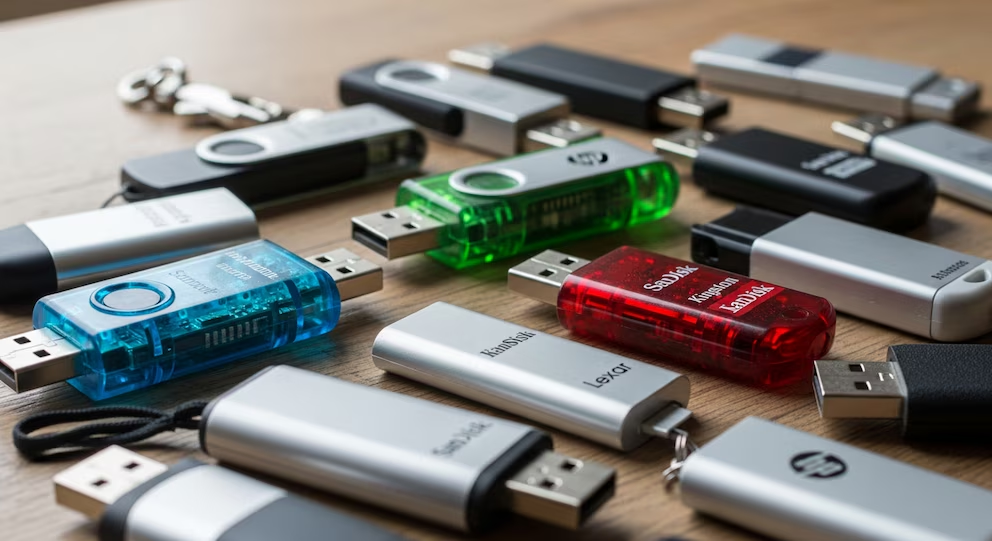
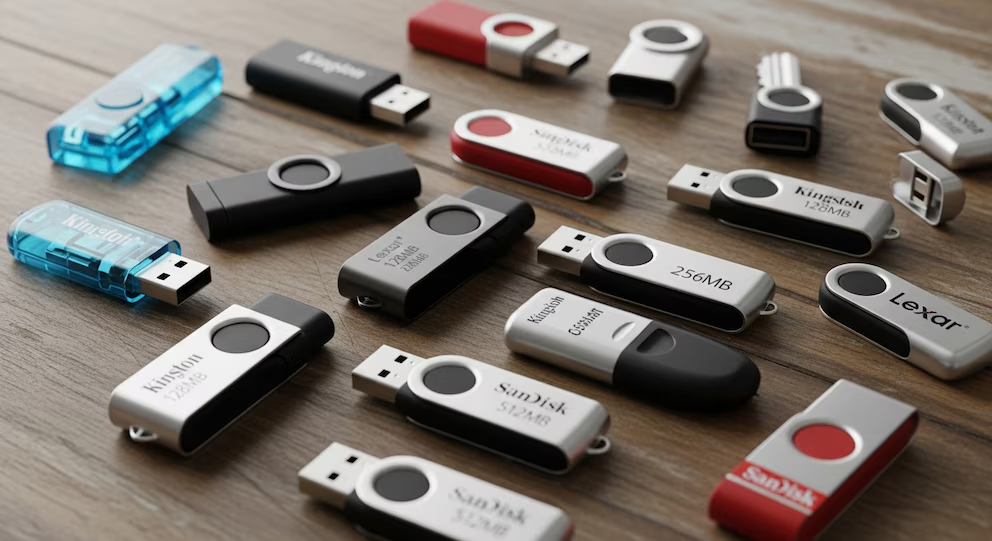
The “classic” USB flash drive is not disappearing because it stopped working. It is losing relevance because modern file habits demand more than a tiny device on a keychain can reliably deliver: always-available access, fast transfers of large media files, collaboration, version control, and recoverability after loss or theft. Infobae frames the moment as a practical transition, not a nostalgia debate, and that framing is accurate. USB sticks are still useful, but their role is narrowing to short-term portability, not long-term storage or primary sharing.
The first reason is reliability under real-world use. Flash memory has finite write and erase cycles, and while good drives can endure many thousands of cycles, the point is structural: they wear. Even before wear becomes visible, data retention can degrade over time, especially in cheaper, high-density flash cells where voltage thresholds are tighter. Add the way people actually use USB sticks, tossed into bags, left in hot cars, plugged into unknown computers, and you get a device that is simultaneously convenient and fragile. For irreplaceable files, fragility is not a technical detail. It is the whole story.
The second reason is security. A USB stick is easy to lose, easy to borrow without permission, and easy to infect. In a world where scams and malware increasingly target the weakest link, removable drives remain a classic bridge between systems, especially in offices, schools, and shared workspaces. Cloud sharing and authenticated transfers reduce that risk by keeping access tied to accounts, permissions, and logs, rather than to whoever physically holds the device. In other words, a USB stick is access by possession. Modern storage is access by authorization.
So what replaces it depends on the job you need done.
If your main need is access from anywhere and seamless sharing, cloud storage is the default replacement. Services such as Google Drive, Dropbox, iCloud, and OneDrive dominate because they turn storage into a synchronized layer across phone, laptop, and tablet. The benefit is not only convenience. It is redundancy and continuity: your files remain available even if your laptop is stolen or your phone breaks. The tradeoff is dependency on connectivity, ongoing subscription pressure as libraries grow, and the reality that “cloud” does not automatically equal backup unless versioning and recovery settings are configured correctly.
If your main need is speed and local control, the external SSD has become the modern workhorse. Compared with USB sticks, portable SSDs deliver higher read and write speeds, better sustained performance for large files, and capacities that start at hundreds of gigabytes and scale into multiple terabytes. For creators moving video projects, students with large datasets, or professionals who need offline portability, an SSD is the closest thing to a “USB stick, but adult.” The tradeoffs are cost per terabyte and the need to treat the device like the valuable object it is, because losing it can be as catastrophic as losing a USB stick unless encryption is enabled.
If your main need is cheap bulk storage for backups, the external hard drive still matters. It is slower than an SSD but often dramatically cheaper per terabyte, which makes it a practical tool for periodic full-system backups, photo libraries, and archives you do not edit daily. The key is to understand the role: external hard drives are not glamorous, but they are efficient when used as backup targets rather than as daily working disks. The tradeoff is mechanical vulnerability and the need to replace or rotate drives over time.
If your main need is a home or small-office “private cloud,” a NAS, network-attached storage, is the strongest replacement for the old USB habit. A NAS allows multiple devices to access the same files over your local network, often with user permissions, remote access options, and automatic backup workflows. It is what happens when people realize that the real problem is not storage, it is coordination. The tradeoffs are upfront cost, setup complexity, and the need to manage security and updates, because a NAS connected to the internet without discipline becomes a target.
If your main need is secure sharing in sensitive contexts, encrypted storage and authenticated transfer flows should replace the casual USB pass-around. Encrypted external drives, password-protected vaults, and time-limited sharing permissions are not overkill when files include personal data, contracts, medical documents, or financial records. The point is not paranoia. It is minimizing regret. A lost USB stick with unencrypted sensitive files is one of the most avoidable data breaches in modern life.
Under all these alternatives sits a principle that matters more than any specific device: backup strategy. A USB stick was never a backup plan, it was a single point of failure that people treated like a backup plan. The classic 3-2-1 rule remains the simplest corrective: keep three copies of important data, on two different types of media, with one copy stored off-site. In 2026, “off-site” often means cloud, but it can also mean a drive stored elsewhere or a second location. The value is not the slogan. The value is that it forces you to design against loss, theft, hardware failure, and human error all at once.
The practical shift, then, is not “goodbye USB” but “goodbye single-copy thinking.” USB sticks will still exist for quick handoffs, temporary boot media, and occasional transfers. But for most people, the better question is: what system will still protect my files if I lose the object. The future of personal storage is not one device that holds everything. It is a layered setup where losing one piece does not erase your life.
The visible and the hidden, in context. / Lo visible y lo oculto, en contexto.