

 Phoenix 24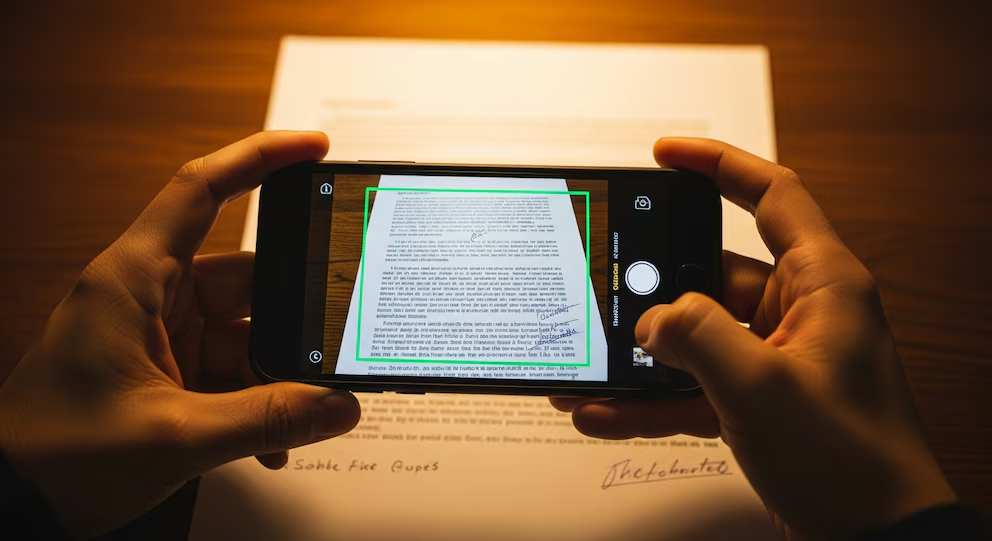
Paper now survives through the phone.
San Francisco, April 2026. Turning a physical document into a PDF no longer requires a scanner, paid software or risky third-party apps. Most users can do it directly from tools already installed on their phones, especially through Google Drive and native document-scanning functions available on modern mobile devices.
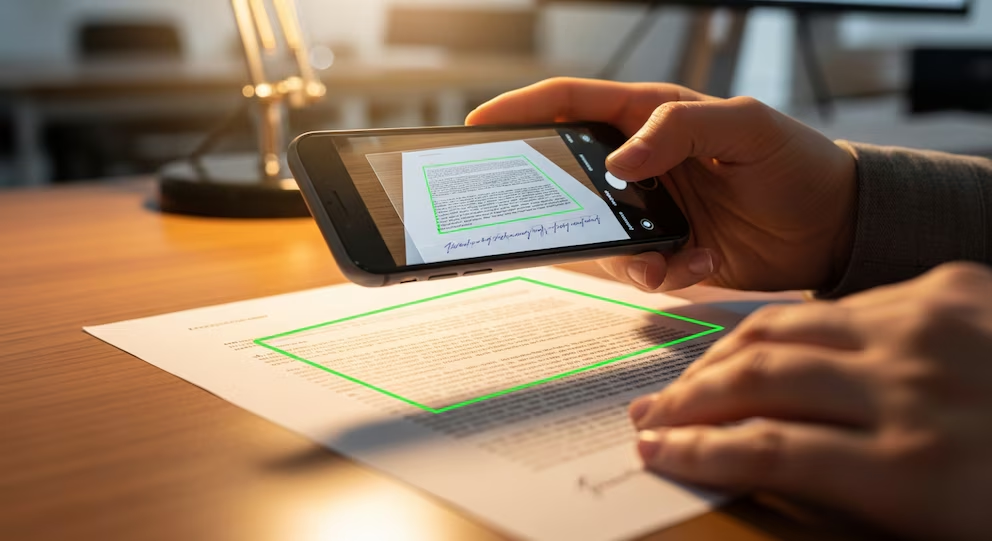
The first option is Google Drive. The user only needs to open the app, press the “add” button, choose the scan function, photograph the document and let the system detect borders, crop the image and optimize it. Once reviewed, the file can be saved directly as a PDF and stored in the cloud for later access.
The second option is the phone’s native file or notes system. On many devices, built-in tools allow users to scan documents from the camera, adjust the frame, add several pages and export the result as a PDF. This is useful for contracts, receipts, school forms, invoices, handwritten notes or administrative paperwork that must be shared quickly.
The real advantage is not only speed. Avoiding unknown apps reduces exposure to invasive permissions, advertising traps and possible privacy risks. Documents often contain names, addresses, signatures, identification numbers or financial data, so converting them inside trusted tools is safer than uploading them to random platforms.
This small digital habit also changes how people manage everyday bureaucracy. A phone becomes a portable scanner, archive and delivery system at the same time. What once required an office device can now be done from a kitchen table, a classroom, a car or a public counter.
The lesson is practical but larger than the tool itself. Digitalization is no longer a specialized process; it has entered ordinary life as an invisible layer of productivity. The document still begins on paper, but its real circulation now depends on the screen.
Behind every fact, there is intent. Behind every silence, a structure.