

 Phoenix 24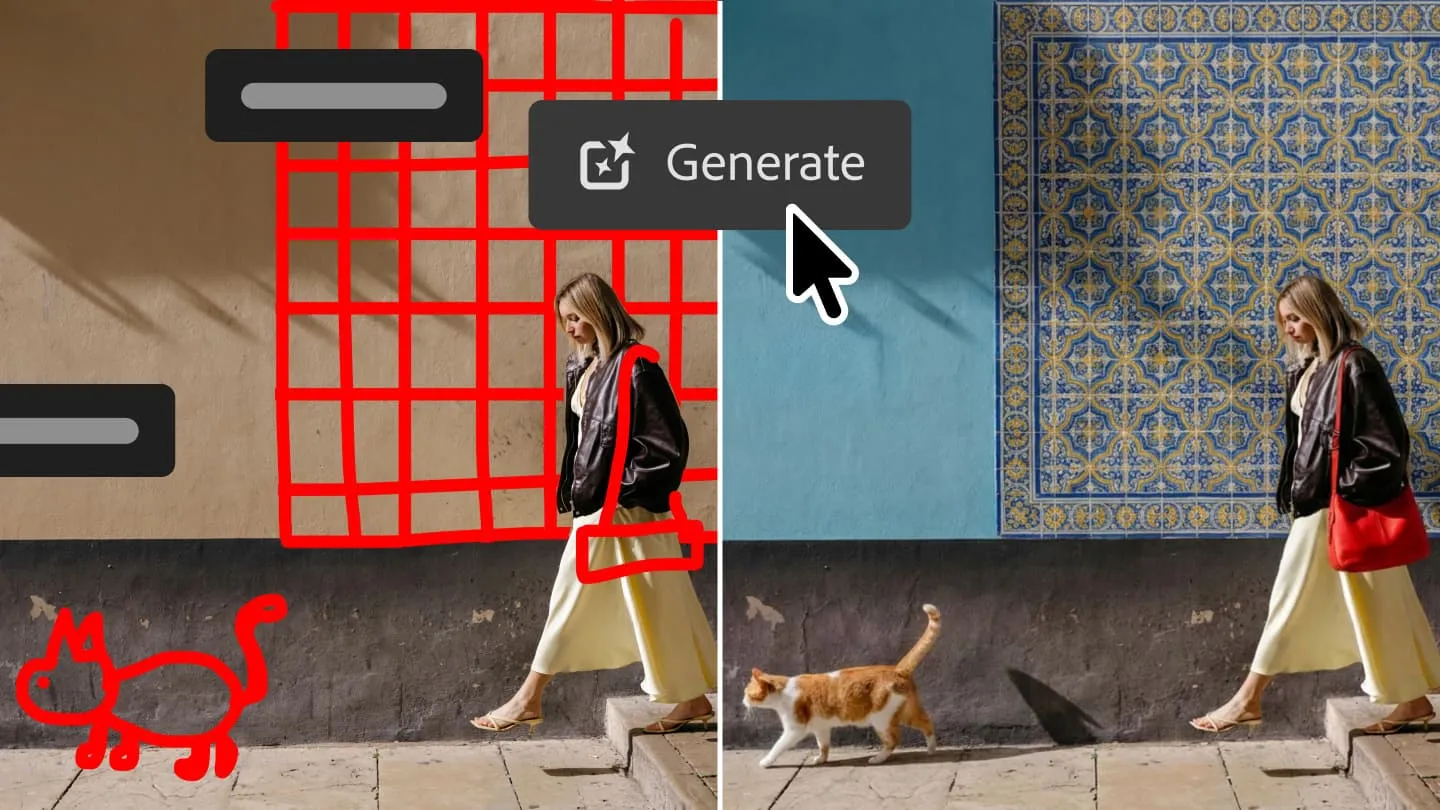
Adobe is placing conversational editing beside the layers, masks and precision tools that professionals already use.
SAN JOSE, UNITED STATES
Adobe has introduced AI Assisted Editor, an optional Photoshop workspace that allows users to modify images through natural-language instructions. The interface, currently available as a beta feature on desktop, brings several generative tools into a simplified toolbar. It is intended particularly for users who want advanced results without first mastering Photoshop’s extensive menus and selection techniques.
The workspace combines Prompt to Edit, Generative Fill, Generative Expand, background removal, object removal, image upscaling and AI Markup. A user can describe an alteration, such as changing a background or adding an object, and allow the system to interpret the request. AI Markup offers more visual direction by letting users draw arrows, mark areas for recolouring or sketch the approximate position of a new element.
Adobe is retaining its conventional workspace under the name Pro Editor. Prompt to Edit is also available there through the contextual taskbar, allowing experienced users to combine natural-language commands with traditional tools. Each result created through this function becomes a separate generative layer, so it can be hidden or removed without permanently changing the underlying image.
The two workspaces are connected, but they do not manage documents identically. Adobe explains that switching from Pro Editor to AI Assisted Editor flattens an existing layered document for compatibility. Returning to Pro Editor places the latest AI-assisted result on a new layer. Users working on complex professional compositions will therefore need to understand that transition before moving between modes.
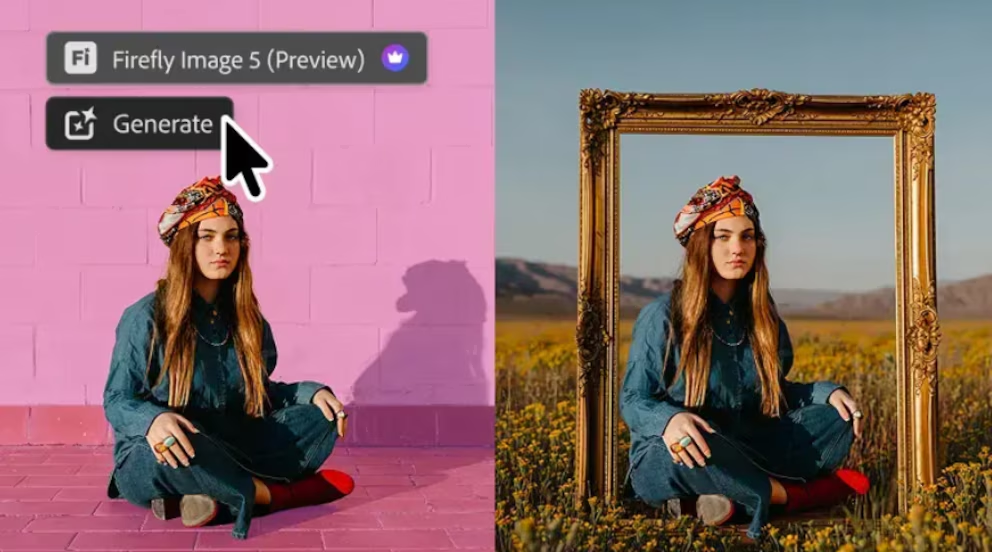
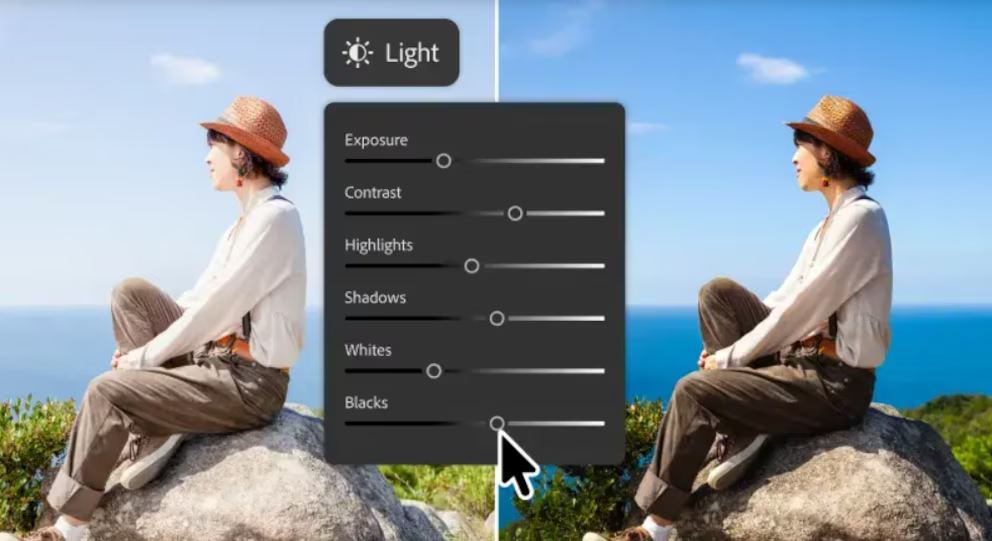
Photoshop is also adding Instruct Edit with Masks, powered by Firefly Image 5. The system considers the wider image context while restricting alterations to a masked region, protecting elements outside it such as faces, products and logos. A new Light adjustment layer separately provides non-destructive controls for exposure, contrast, highlights, shadows, whites and blacks.
The update represents Adobe’s attempt to make generative AI accessible without replacing the professional workflow that made Photoshop an industry standard. Its success will depend on more than producing convincing images quickly. Reliability, precise localisation of changes and the user’s ability to reverse or refine every intervention will determine whether the assistant becomes a serious production tool rather than merely a convenient shortcut.
Detrás de cada dato, la intención. / Behind every data point, the intention.