

 Phoenix 24
A safer login method is changing digital authentication.
MOUNTAIN VIEW, UNITED STATES — July 2026
Passkeys are emerging as one of the most important changes in digital security, offering a way to access online accounts without memorizing or repeatedly entering passwords. Apple, Google, Microsoft and other major technology companies have integrated the system into their devices, operating systems and browsers. Services including Amazon, PayPal and WhatsApp have also introduced support for this authentication method. The objective is to make account access simpler while reducing the risk created by weak, stolen or reused credentials.
Traditional passwords operate as shared secrets that must be remembered by users and stored by online services. This model creates multiple vulnerabilities because people frequently reuse the same password across several platforms or select combinations that are easy to guess. Cybercriminals can also obtain credentials through phishing pages, malware, data leaks and social engineering. Once a password is exposed, attackers may attempt to use it on email, banking, social media and commercial accounts.
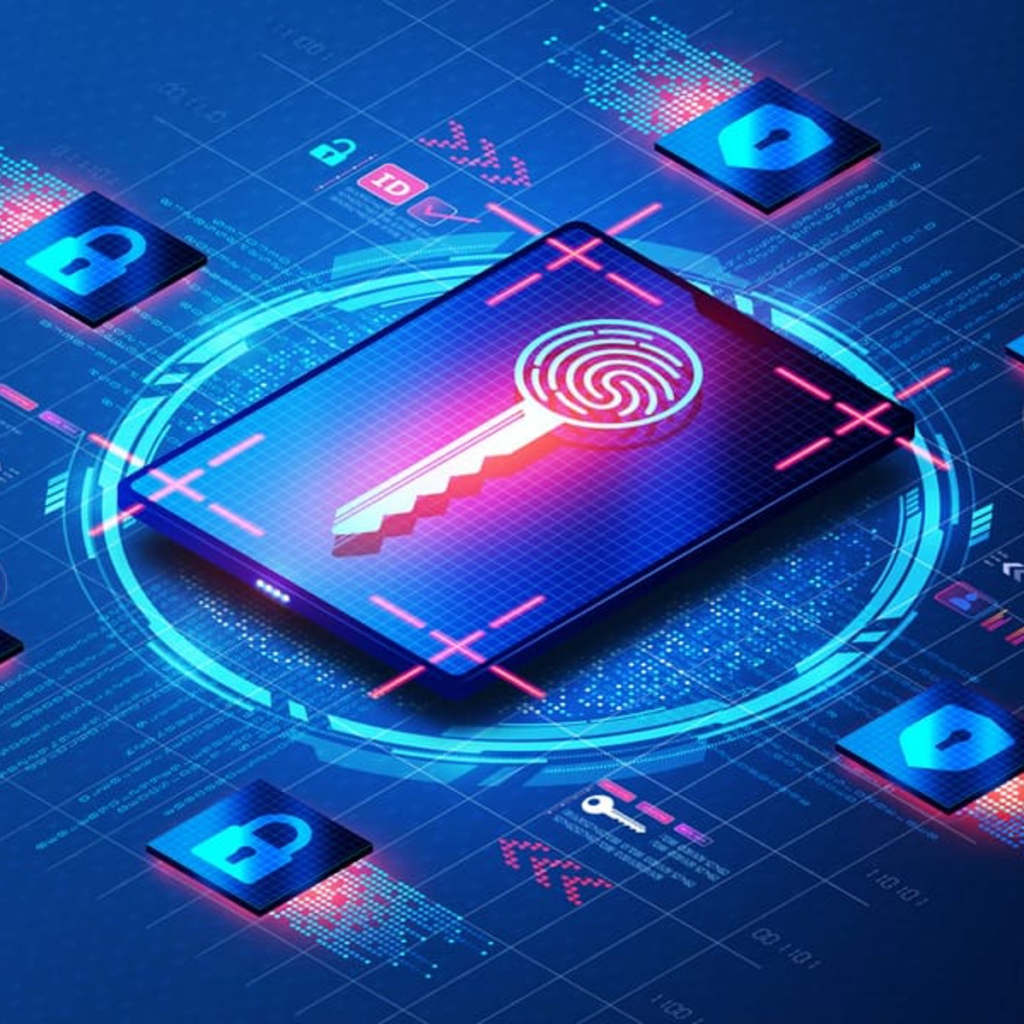
A passkey works differently because it uses public-key cryptography rather than a secret typed into a website. When a user creates one, the device generates a pair of mathematically connected keys. The public key is registered with the online service, while the private key remains protected on the user’s phone, tablet or computer. The private component is never transmitted to the company’s server during the login process.
When the user attempts to access an account, the service sends a digital challenge to the registered device. The device signs that challenge with the private key after confirming the user’s identity through a fingerprint, facial recognition or a local PIN. The server verifies the response using the public key and grants access when the cryptographic information matches. This process occurs automatically, removing the need to remember or type a conventional password.
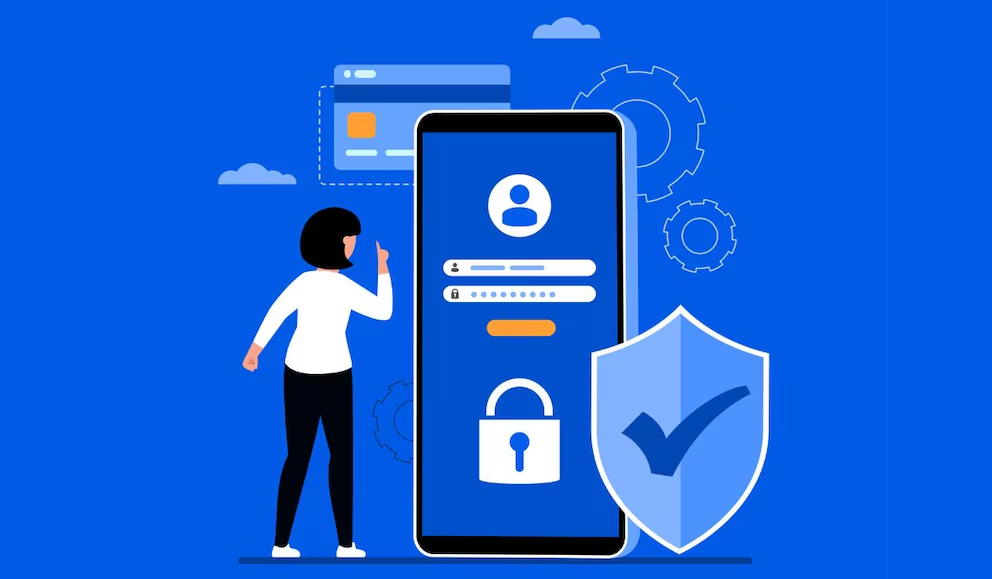
One of the greatest advantages of passkeys is their resistance to phishing. A traditional password can be entered into a fraudulent website that imitates a legitimate service, allowing criminals to capture and reuse it. Passkeys are connected to the authentic website or application for which they were created and cannot normally be used on a deceptive domain. Even when attackers intercept network traffic, they do not obtain reusable login credentials.
Passkeys can also reduce the damage caused by a breach of an online company’s servers. The platform stores only the public key, which cannot be used by itself to impersonate the account holder. Criminals therefore do not obtain a database of readable or reversible passwords that can be tested on other services. This architecture changes the security model by ensuring that the most sensitive authentication element remains under the user’s control.
Creating a passkey usually begins inside the security settings of a compatible account. The user selects an option such as “Create a passkey,” “Set up a passkey” or “Sign in without a password.” The device then requests biometric confirmation or its normal unlocking PIN before generating the cryptographic credentials. Once activated, future logins can be completed through the same verification method used to unlock the device.
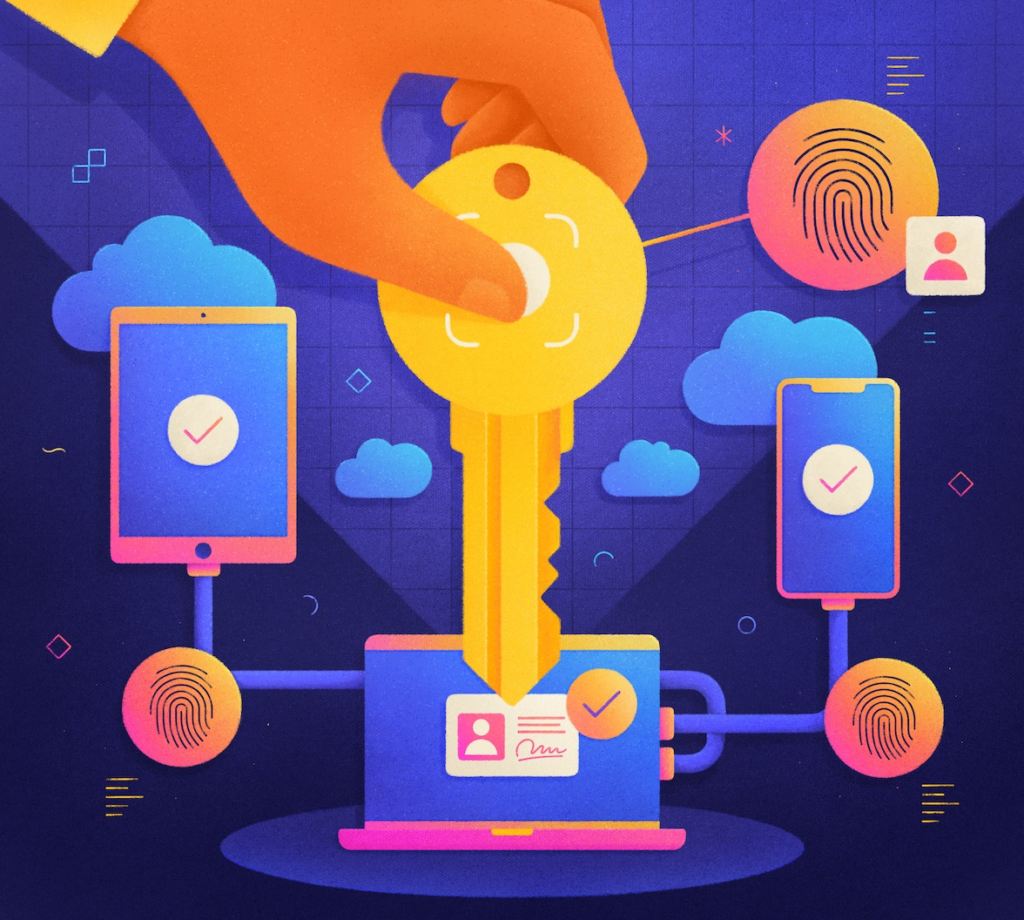
Modern passkeys can be synchronized through encrypted services such as Apple’s iCloud Keychain or Google Password Manager. This allows a person to create a passkey on one device and use it on another connected to the same protected account. The synchronization process reduces the risk of losing access when a phone is replaced, damaged or stolen. Users should nevertheless protect their Apple, Google or Microsoft account with strong recovery options because it may become the central gateway to their synchronized credentials.
Cross-platform access can sometimes require additional steps. A person using an iPhone passkey to enter an account on a Windows computer may need to scan a QR code and confirm the request through Bluetooth. These methods allow nearby devices to communicate without sending the private key to the computer being used. Although the process is secure, it may initially appear unfamiliar to people accustomed to typing the same password everywhere.
Account recovery remains one of the most important issues during the transition to passwordless authentication. Users should maintain updated recovery email addresses, trusted phone numbers and backup devices before eliminating traditional login methods. Some services may still provide passwords or verification codes as temporary recovery options, while others rely on identity checks or previously authorized devices. Losing every trusted device without properly configured recovery mechanisms could make access more complicated.
Passkeys do not mean that biometric information is sent to websites. Fingerprints and facial scans remain stored and processed locally by the device, where they are used only to authorize the private key. The online service receives a cryptographic confirmation rather than the user’s biometric data. A local PIN can generally be used when biometric recognition is unavailable or unsuccessful.
Users should activate passkeys gradually, beginning with important accounts that officially support them. Email, cloud storage, financial platforms and social networks deserve particular attention because unauthorized access to one of these services can facilitate attacks against other accounts. Before creating a passkey, users should verify that the website or application is legitimate and reached through an official channel. They should also review the list of registered devices and remove any equipment they no longer own or recognize.
Passkeys improve security, but they do not eliminate every digital threat. Criminals may still attempt to steal an unlocked device, manipulate account recovery procedures or persuade users to authorize fraudulent actions. Screen locks, operating-system updates, remote device tracking and cautious handling of unexpected requests remain essential. No authentication system can compensate for approving a login or transaction without verifying its origin.
The transition will be gradual because many companies continue to depend on legacy systems built around usernames and passwords. Some platforms offer passkeys only as an optional method, while others combine them with traditional credentials during the migration period. Businesses also face challenges involving employee devices, account recovery, technical compatibility and regulatory requirements. Despite these obstacles, adoption continues to expand as users become more familiar with the technology.
Passkeys represent a structural change rather than another temporary layer placed over an outdated password system. They combine cryptographic protection with the familiar act of unlocking a phone or computer, creating an experience that can be both safer and easier. Their effectiveness depends on secure devices, reliable recovery settings and broader compatibility across platforms. As adoption grows, memorizing dozens of passwords may finally become a practice of the past.
Digital security becomes stronger when secrets no longer need to be shared.