

 Phoenix 24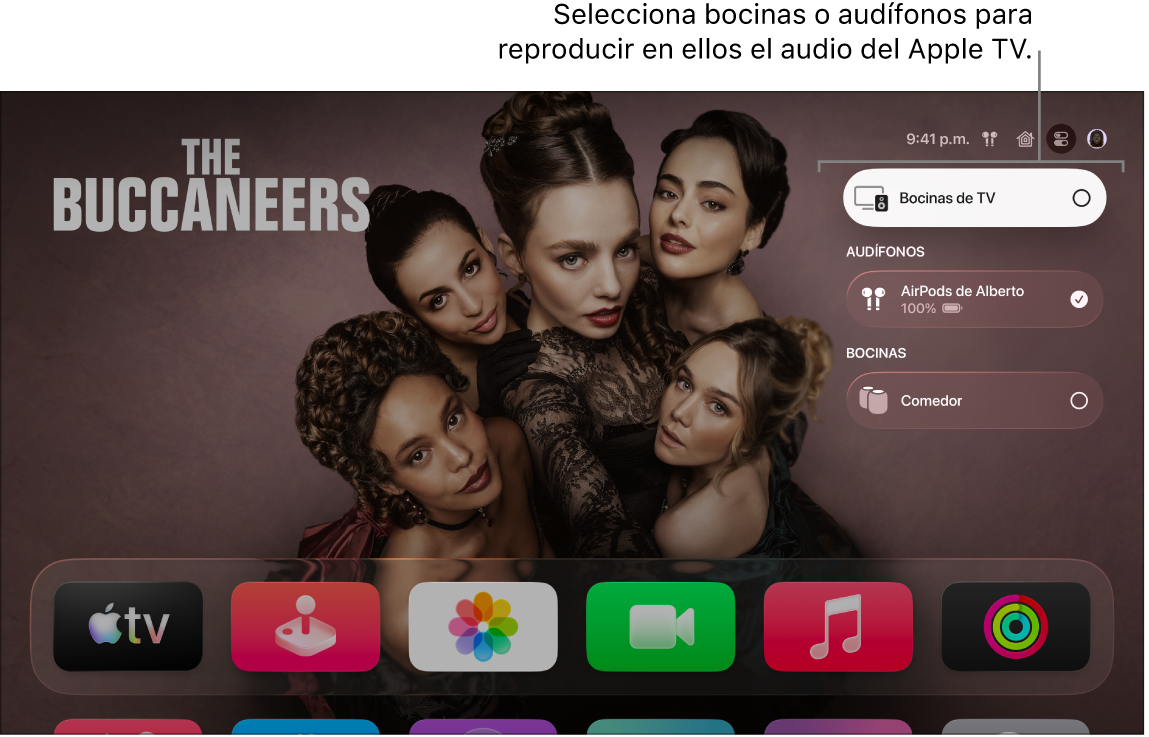
Two headphones can transform the way couples watch television.
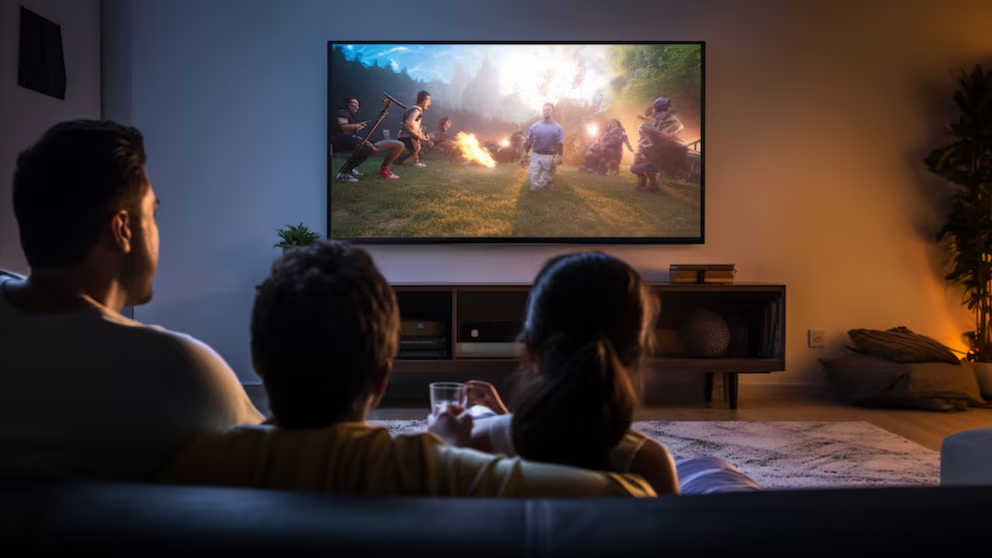
Cupertino, August 2026. Apple TV 4K includes an audio-sharing feature that allows two people to listen to the same film, television series or music program through separate pairs of compatible wireless headphones. The function eliminates the need to raise the television volume and offers a practical alternative for late-night viewing, shared apartments or homes where other people are sleeping.
The system can transmit audio to as many as two pairs of compatible AirPods or Beats headphones simultaneously. Both viewers receive the same soundtrack directly from the Apple TV 4K, allowing them to follow dialogue, music and sound effects without using the television speakers. The experience is particularly useful when one person requires a higher listening level or when environmental noise makes spoken dialogue difficult to understand.
Activating the function begins by connecting the first pair of compatible headphones to the Apple TV 4K. While the selected film, series or music is playing, the user must press and hold the TV button on the Siri Remote to open Control Center. The headphones section then displays the available audio devices associated with the system.
After selecting the connected headphones, the user can choose the Share Audio option. Apple TV then provides instructions on the screen for pairing the second set of AirPods or Beats headphones. Once the connection is completed, both pairs receive the same audio stream while the television image continues playing normally.
AirPods linked to the same Apple Account as the Apple TV may appear automatically when they are nearby and removed from their charging case. Headphones belonging to another person may require a brief pairing process before they become available. If the second pair does not appear, placing it in pairing mode and keeping it close to the Apple TV can help the system detect it.
Compatibility represents the most important technical limitation. Audio sharing requires an Apple TV 4K and is not supported by the older Apple TV HD model. The function is also designed specifically for compatible AirPods and Beats products, meaning that two conventional Bluetooth headsets cannot necessarily be connected through the same sharing process.
Supported options generally include models across the AirPods, AirPods Pro and AirPods Max families, together with selected Beats headphones equipped for Apple’s audio-sharing system. Keeping Apple TV and the headphones updated can reduce connection problems and ensure that the available controls appear correctly. The precise options may vary according to the device generation and the version of tvOS installed.
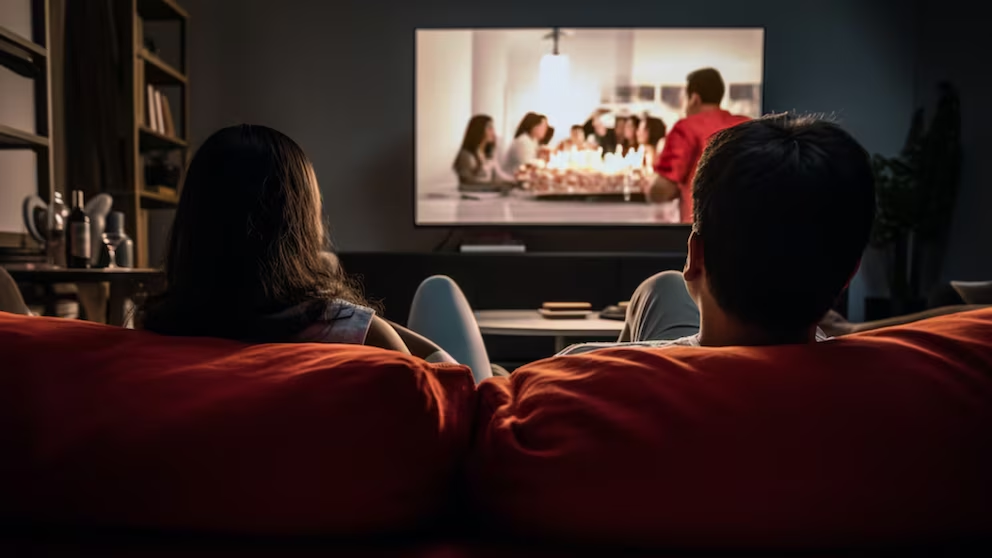
The feature also involves a compromise in advanced sound processing. Personalized Spatial Audio is unavailable when two pairs of headphones are connected simultaneously. Viewers therefore gain private shared listening but may lose some of the individualized spatial effects available when only one compatible pair is being used.
For many households, the practical value of the system is greater than that limitation. Couples can watch a program after children have gone to sleep, roommates can share entertainment without disturbing someone studying, and travelers staying in hotels can use the television without generating excessive noise. It can also help people who prefer different listening conditions remain together instead of watching the same content separately.
Headphones with active noise cancellation can further isolate the program from surrounding sounds. Transparency or ambient listening modes may be more appropriate when viewers need to remain aware of children, alarms or activity elsewhere in the home. Each person should select a listening mode that balances immersion with awareness of the environment.
Long viewing sessions still require reasonable volume levels. Private headphones can make sound seem controlled because it is not filling the room, but excessive intensity can remain harmful to hearing. Apple’s sharing function solves a domestic noise problem without eliminating the need for responsible listening habits.
The option reflects a broader transformation in home entertainment. Television was once built around a single screen and a single speaker system serving everyone in the room under identical conditions. Wireless audio now allows the image to remain communal while the listening experience becomes more private and adaptable.
It also offers a solution that does not require additional transmitters, splitters or specialized television accessories. Users who already own an Apple TV 4K and compatible headphones can activate the function through software controls integrated into the device. The process can be reversed at any moment by disconnecting the second pair or returning the audio output to the television speakers.
If the Share Audio option does not appear, users should first confirm that the device is an Apple TV 4K, verify that both headphone models are supported and install any available software updates. Restarting the Apple TV and repeating the pairing process can resolve temporary detection failures. Removing an older Bluetooth connection may also help when the system continues selecting the wrong audio device.
The feature turns an ordinary television session into a shared but silent experience. Two people can remain in the same room, follow the same story and hear its details without imposing the sound on everyone around them. In a home increasingly divided by personal screens, Apple’s audio-sharing option preserves a small but meaningful form of collective viewing.
Información que anticipa futuros. / Information that anticipates futures.