

 Phoenix 24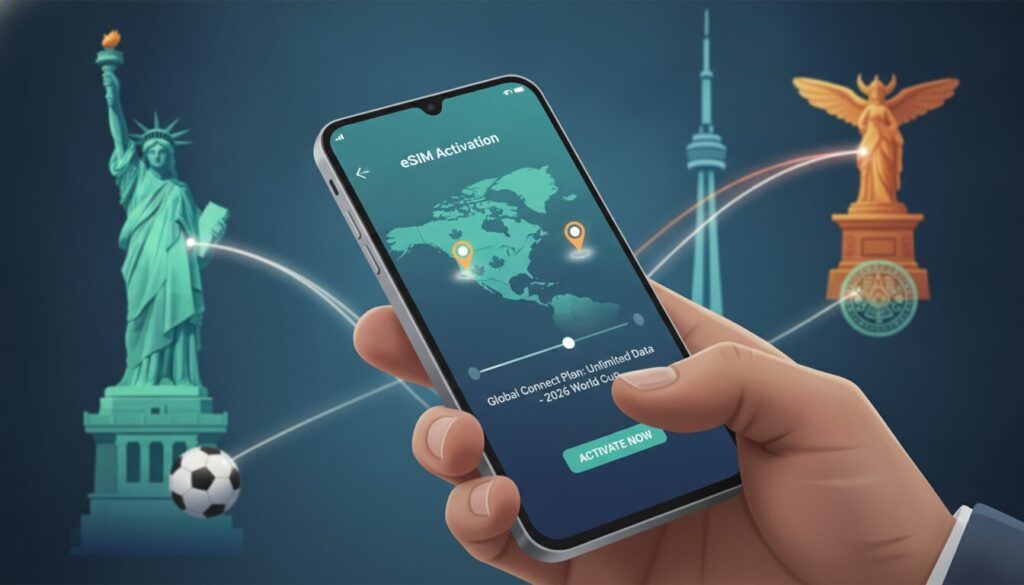
Digital setup can prevent roaming costs and airport complications.
MEXICO CITY, Mexico | June 2026
Thousands of football supporters traveling across Mexico, the United States and Canada for the 2026 World Cup are relying on eSIM technology to remain connected without paying traditional international roaming charges. The digital service allows compatible smartphones to download a mobile data plan without inserting a physical card. Travelers can prepare the connection before departure and activate it shortly after arriving. The process reduces dependence on airport stores, public Wi-Fi and unfamiliar local contracts.
The first step is confirming that the phone supports eSIM technology. Users can open the calling application and dial *#06# to check whether an EID number appears among the device identifiers. The presence of that code generally indicates compatibility. The phone must also be unlocked, because a device restricted to one carrier may reject a plan from another provider.
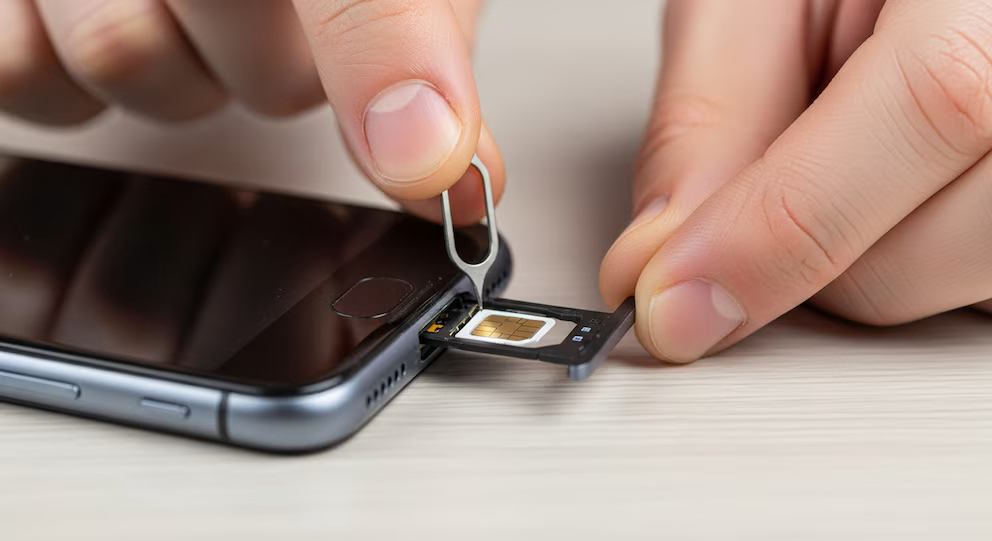
Many recent iPhone, Samsung Galaxy and Google Pixel models support eSIMs, although compatibility can vary according to the country where the phone was sold. Travelers should verify the exact model rather than assuming that every version includes the same functions. Some devices can store several digital plans but activate only one or two simultaneously. Understanding these limits becomes important for people who want to preserve their usual number while using a separate travel connection.
After confirming compatibility, travelers must compare providers and data packages. Companies such as Airalo, Holafly, Nomad and SimOptions offer plans for individual countries and broader regional coverage. A regional package can be useful for supporters moving between the three host nations. Separate national plans may offer better prices but require more management during the trip.
Most travel eSIMs provide mobile data without a local telephone number. Calls can still be made through messaging applications, while the original SIM remains available for ordinary calls and text messages when necessary. Some plans include local calling or limited SMS services, but these features should be reviewed before purchase. The cheapest package is not always the most practical one.
Data consumption depends heavily on travel habits. Maps, messaging and occasional browsing require relatively little capacity, while video calls, live streaming and frequent social media uploads can consume several gigabytes quickly. Travelers using their phones throughout the day may need at least one gigabyte daily. Unlimited packages offer convenience, although some providers reduce connection speeds after a specified amount of high-speed use.
The eSIM should normally be installed at home before departure. A stable Wi-Fi connection is important because the phone must download the digital profile from the provider. Waiting until the airport or destination creates unnecessary risk if the activation email cannot be opened or the available network is unstable. Installation and activation are different steps, allowing the profile to be prepared without immediately beginning the plan.
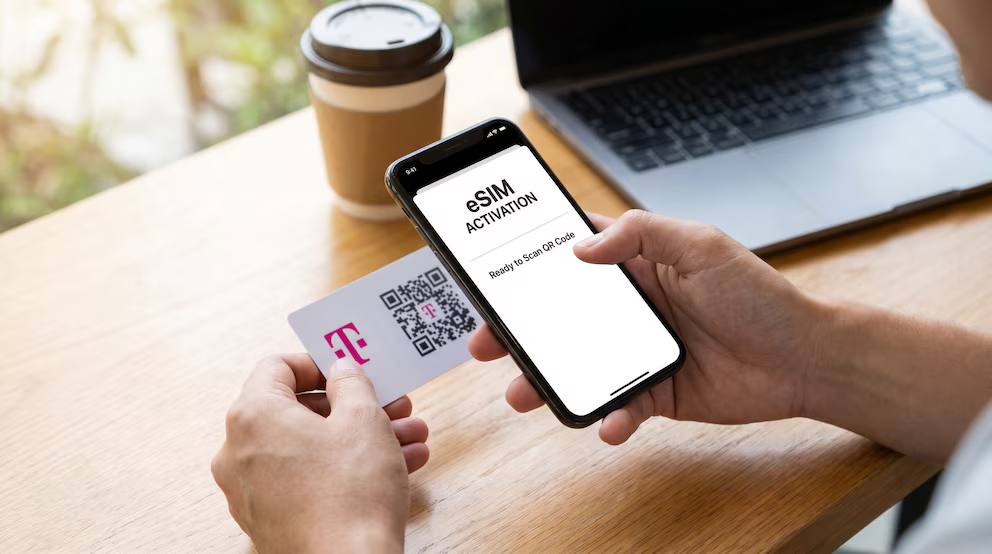
After purchase, the provider usually sends a QR code by email or through its application. On an iPhone, the user opens Settings, selects Cellular or Mobile Data and chooses Add eSIM. The next step is selecting the QR code option and scanning the image supplied by the provider. The new line can then be labeled as Travel, World Cup or the destination country.
The user should maintain the original line as the default for calls and text messages while assigning the travel eSIM to mobile data. Data switching should usually remain disabled unless the traveler understands how it affects roaming charges. This prevents the phone from automatically returning to the home carrier when the travel connection weakens. A small configuration error can generate unexpected costs.
On Android devices, the exact menu names differ by manufacturer. Samsung users generally open Settings, Connections and SIM Manager before selecting Add eSIM. Google Pixel users typically enter Settings, Network and Internet, SIMs and Add SIM. After scanning the QR code, the phone downloads the profile and allows the user to rename it.
Some providers offer direct installation through their applications instead of a QR code. Others provide manual activation details when scanning fails. Travelers should save screenshots or offline copies of the instructions before leaving home. The QR code is often designed for one use only, so it should not be deleted until the installation has been confirmed successfully.
The eSIM usually remains inactive until the traveler reaches the covered destination. After landing, the user enters the phone’s mobile network settings, enables the digital line and selects it for cellular data. Data roaming must be turned off on the original SIM to prevent charges from the home operator. Roaming may need to remain enabled on the travel eSIM because many providers connect through partner networks.
The phone should register automatically with an available local carrier. If no signal appears, restarting the device or activating airplane mode briefly can force a new network search. Some providers also require a specific access point name, known as an APN. These details should be available in the installation instructions or support application.
Keeping the original SIM active allows travelers to preserve their usual WhatsApp account and receive essential verification messages. WhatsApp normally continues operating with the registered number even when mobile data comes from another line. Users should avoid accepting an unnecessary request to change the application’s number. Banking codes and security messages may still arrive through the original carrier, although receiving them abroad can depend on the home plan.
Security is another advantage during a major international event. An active eSIM reduces the need to connect repeatedly to public Wi-Fi networks in airports, hotels and crowded fan zones. Unprotected networks can expose users to fraudulent login pages or data interception. Mobile data is not immune to every threat, but it generally provides a safer and more consistent connection for maps, payments and ticket applications.
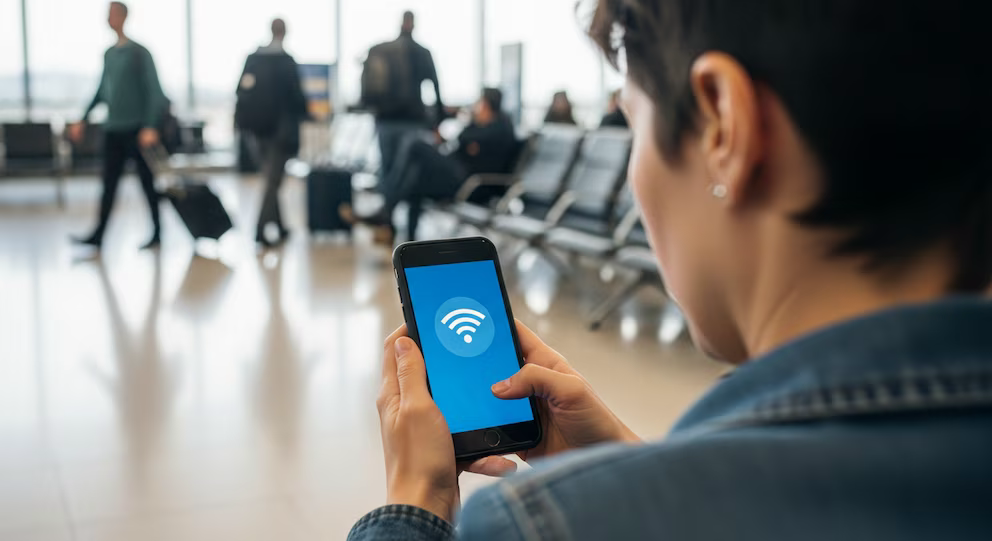
Travelers should also consider battery use. Weak mobile signals can cause phones to consume additional power while searching for a network, especially inside stadiums or crowded transport areas. Downloading maps, tickets and essential documents for offline access reduces dependence on continuous connectivity. A portable battery can become as important as the data plan itself during long match days.
The principal advantage of an eSIM is flexibility. Supporters can purchase service before traveling, maintain their regular number and change plans without handling small plastic cards. The technology also avoids queues and makes it easier to compare prices. Its value depends on careful preparation rather than installation at the last possible moment.
A few minutes spent checking compatibility, downloading the profile and adjusting roaming settings can prevent larger problems after arrival. Stable connectivity helps travelers navigate unfamiliar cities, access digital tickets and communicate during emergencies. For a tournament spread across three countries, the ability to manage mobile service digitally can simplify an otherwise complex journey.
Preparation becomes freedom when connection begins before arrival. / La preparación se convierte en libertad cuando la conexión comienza antes de llegar.