

 Phoenix 24
The document is no longer a fixed object.
Global, April 2026. Microsoft Word continues to hide practical tools that can change how users work with PDF files, especially for professionals who depend on editing, reviewing and reusing documents without moving across multiple platforms. The key shift is simple but powerful: Word can open a PDF, convert it into an editable document and allow users to work with the content almost as if it had been created inside Word from the beginning.
The first function is PDF conversion. Instead of treating a PDF as a locked format, Word can transform it into editable text, preserving much of the structure, headings and visual organization. This is especially useful for contracts, reports, academic materials and administrative documents that need correction, adaptation or extraction of key information.
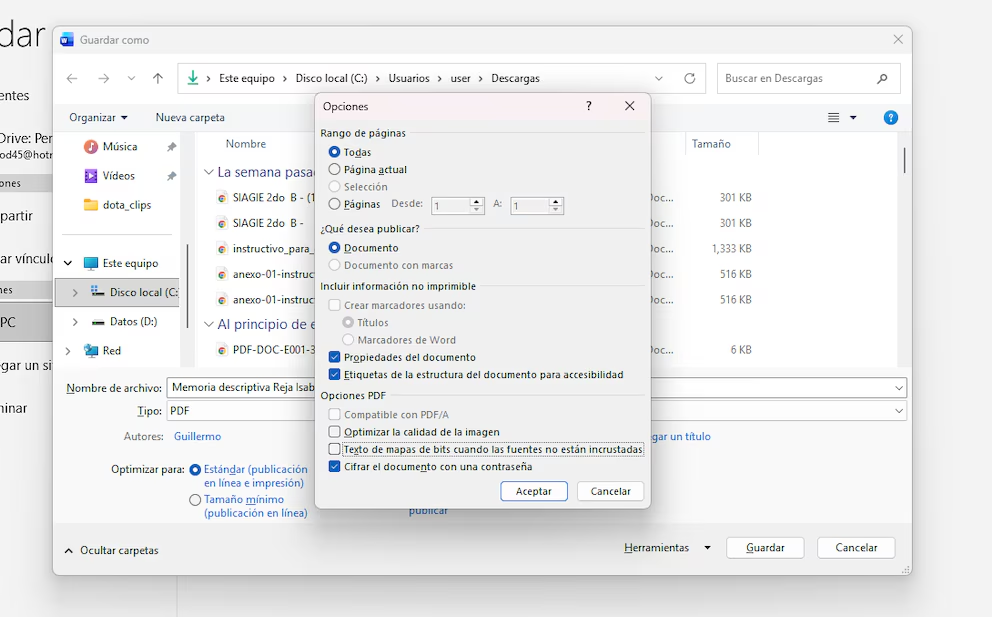
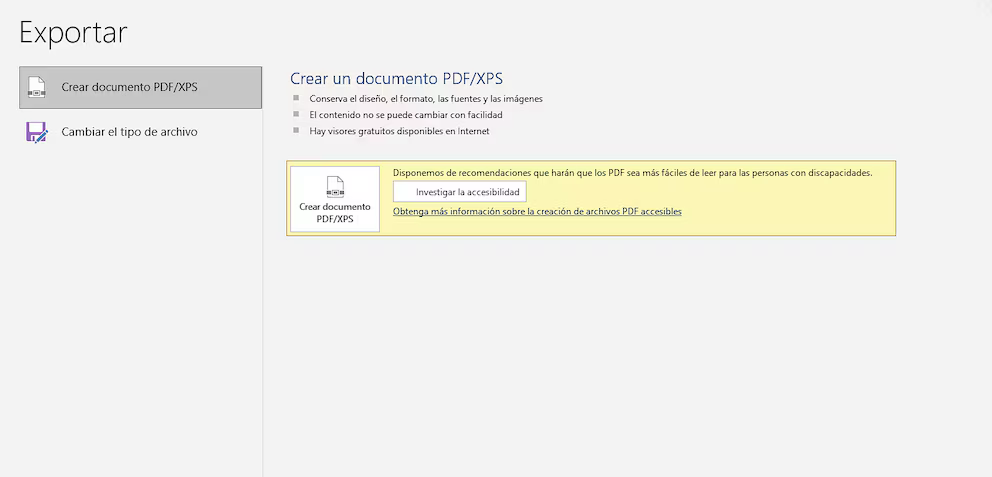
The second function is exporting back to PDF. Once the user edits the document, Word allows the file to be saved again as a PDF, restoring portability and compatibility. This creates a practical cycle: receive a PDF, edit it in Word, and return it in a format that can be shared, archived or submitted without requiring specialized design software.
The third function is content reuse. Word allows users to copy, reorganize and reformat material extracted from PDFs, which is valuable when preparing reports, summaries, class materials or institutional documents. The PDF stops being only a final-format container and becomes a source of editable information.
The importance of these tools lies in accessibility. Many users assume that working seriously with PDFs requires paid software or advanced technical knowledge, but Word already covers many everyday tasks. For offices, universities and small businesses, this can reduce dependence on external platforms and simplify document workflows.
Still, the tool has limits. Complex layouts, scanned images, signatures, tables and heavily designed files may not convert perfectly. In those cases, Word is useful for practical editing, but not always for preserving exact visual fidelity.
The real change is not that Word replaces professional PDF software. It is that it brings PDF editing closer to ordinary users, turning a static file into a working document.
Detrás de cada dato, hay una intención. Detrás de cada silencio, una estructura.