

 Phoenix 24

Managing automatic updates can help balance convenience, data use and device performance.
San Francisco, United States.
Mobile operating systems provide features to automatically update installed applications, a convenience that ensures users have the latest bug fixes, security patches and feature improvements without manual intervention. However, automatic updates also carry implications for data usage, battery consumption and device storage, prompting many users to adjust settings based on their needs. Understanding how to enable, limit or disable automatic app updates gives smartphone owners greater control over their device behavior and helps align update policies with personal usage patterns.
On most modern smartphones, automatic app updates can be controlled through system settings that apply to the device as a whole or to individual applications. When enabled, the operating system periodically checks for new versions of installed apps and applies updates as they become available, provided the device has an active network connection. This process reduces the need for manual oversight and can improve overall device security and performance, particularly for users who install a broad range of applications.
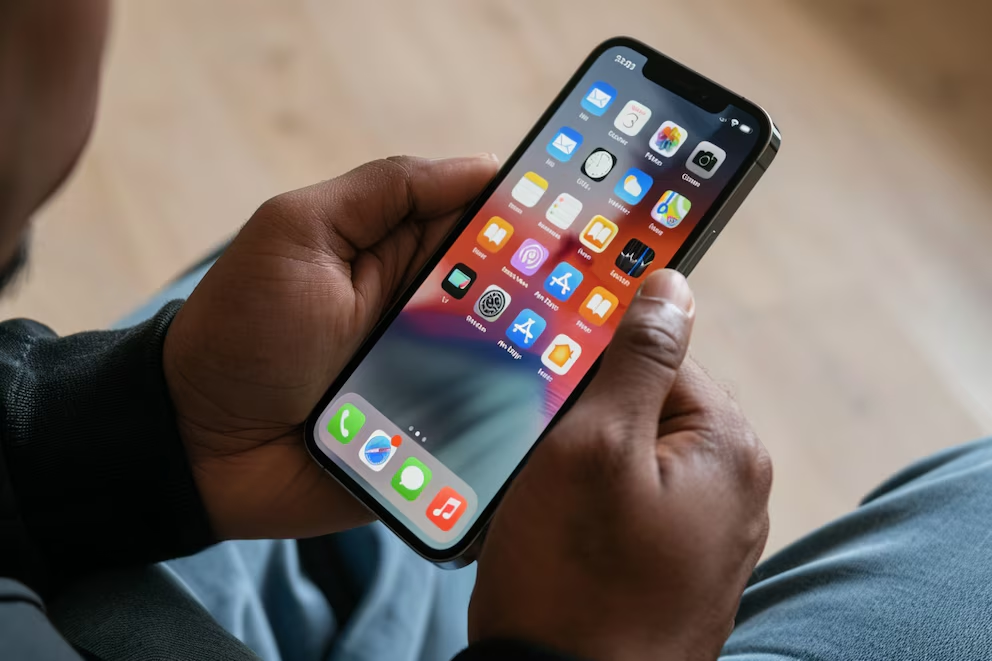
Enabling automatic updates is often the default configuration on newer devices, but users have the option to tailor this behavior. Within the system’s app management or store settings, a specific toggle or menu allows the user to activate automatic updates only when connected to Wi-Fi. This option helps avoid large downloads over mobile data, which can quickly use up data allowances on limited plans. Restricting updates to Wi-Fi connection also minimizes unexpected data charges and contributes to more predictable usage patterns.
In addition to enabling updates over Wi-Fi, some operating systems allow additional granularity, such as setting update permissions on a per-app basis. Users may choose to allow automatic updates for frequently used or security-critical applications while opting out for apps that are used less often or carry lower priority. This selective approach helps balance convenience with control, ensuring that essential updates are applied promptly without burdening the device with unnecessary changes for every installed application.
Limiting automatic updates can also extend to considerations beyond network connection. Certain devices incorporate settings that defer updates when battery levels are low or when the device is in power-saving mode. These safeguards prevent the update process from interfering with immediate device needs and help preserve a usable battery range during the day. Users who frequently operate in environments with limited charging access may find these options particularly valuable.
For individuals who prefer complete control over app management, automatic updates can be fully disabled. When this setting is active, the device will not install new versions automatically, and the user must manually initiate updates through the app store or application management interface. Manual updates provide the most direct oversight of what is installed and when, but they require consistent attention to ensure that apps remain up to date, especially for security patches that protect against vulnerabilities.

Adjusting automatic update settings can vary depending on the specific mobile platform and software version, but the general sequence involves navigating to the app store or system settings, locating the update preferences section and selecting the desired mode of operation. Clear labels such as “update automatically,” “update on Wi-Fi only” or “do not update automatically” guide users through the choices available. Consulting the manufacturer’s support documentation or help resources can provide step-by-step instructions tailored to a particular device.
Beyond system-level controls, some applications include in-app settings that inform users about available updates or provide optional update reminders. These internal prompts can complement system controls, offering additional opportunities to review update details before proceeding. For users focused on data efficiency or careful management of device behavior, app-level notifications help strike a balance between staying current and avoiding unnecessary background downloads.
In summary, automatic app updates are a useful feature that enhances the security and functionality of mobile devices, but they work best when configured to match personal priorities. Whether enabling updates only over Wi-Fi, limiting them by application, or disabling them entirely for manual oversight, users can tailor update policies to their data plans, battery demands and workflow preferences. Understanding these options contributes to a smoother and more predictable mobile experience.
Detrás de cada dato, hay una intención. Detrás de cada silencio, una estructura.
Behind every data point, there is an intention. Behind every silence, a structure.