

 Phoenix 24
Simple router security measures can help protect an entire household.
NEW YORK, United States. As homes become increasingly connected, cybersecurity specialists are warning that poorly configured Wi-Fi routers can expose personal information, financial accounts and smart devices to unauthorized access. Protecting a wireless network requires more than choosing a password: it involves maintaining the router, reviewing its settings and recognizing potential security threats.
A typical household now connects smartphones, computers, televisions, security cameras and smart appliances through a single router. This device serves as the gateway between the home network and the internet, making its security particularly important.
Cybersecurity company ESET emphasizes that vulnerabilities in router software can potentially affect every device connected to the network.
One of the most important preventive measures is replacing default administrator credentials. Many routers arrive with factory-assigned usernames and passwords that may be printed on the equipment or documented in publicly available manuals.
Users should create a strong, unique administrator password and a separate password for their wireless network. These credentials protect different functions: one controls the router’s configuration, while the other determines who can connect.
Encryption is equally important. The US Federal Trade Commission recommends WPA3-Personal when available, with WPA2-Personal remaining an acceptable alternative for compatible devices. Older security protocols, including WEP, should be avoided.

Regular firmware updates provide another essential layer of protection. Manufacturers release software patches to correct vulnerabilities discovered after equipment reaches consumers. Automatic updating can simplify this process when supported.
Users should also examine features that may unnecessarily expose their networks. Remote administration, for example, permits router settings to be modified from outside the home. Disabling it when unnecessary reduces potential opportunities for unauthorized interference.
Wi-Fi Protected Setup and other convenience features may also introduce avoidable risks, depending on their configuration.
Checking the router’s connected-device list can help identify unfamiliar equipment. However, an unknown device name is not necessarily evidence of an intruder; some legitimate devices appear under generic or randomized identifiers.
For households that regularly receive visitors, a properly isolated guest network provides an additional safeguard by separating temporary connections from personal computers and other sensitive equipment.
Security considerations also extend beyond the home. Public Wi-Fi networks in airports, hotels and cafés can expose users to fraudulent access points designed to imitate legitimate connections.
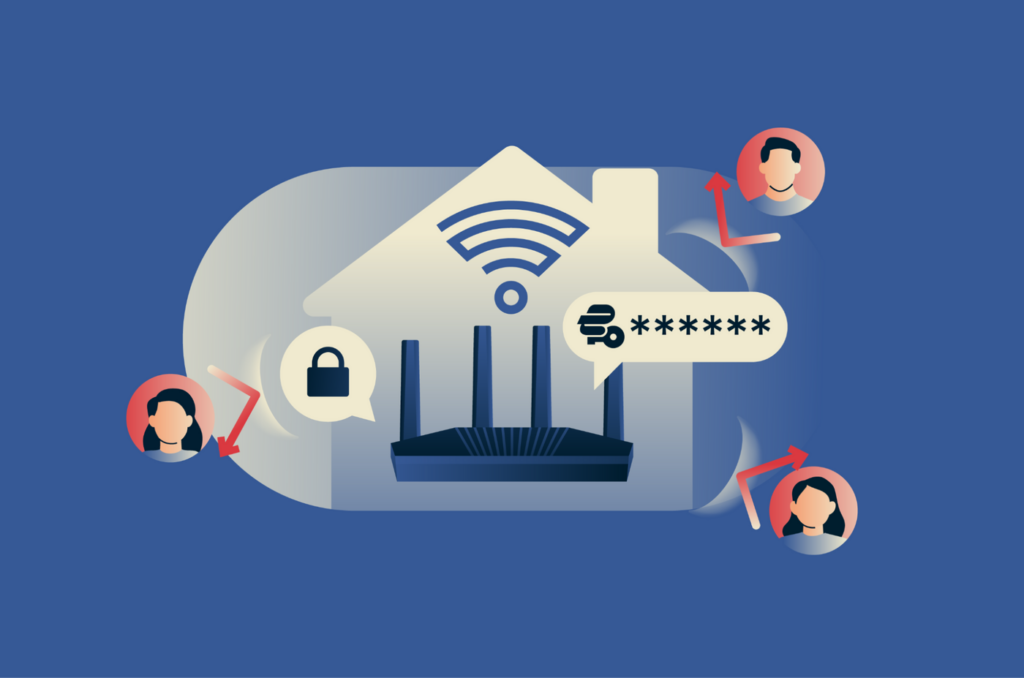
Confirming the correct network name, avoiding suspicious connection prompts and using encrypted websites can reduce these risks.
The broader lesson is that digital security begins with everyday infrastructure. A router that receives regular updates, uses modern encryption and has carefully configured access controls can substantially reduce preventable vulnerabilities.
No configuration guarantees complete protection, but consistent maintenance and informed device management can make unauthorized access significantly more difficult.
Where Innovation Meets Responsibility.